
Sermons and publications
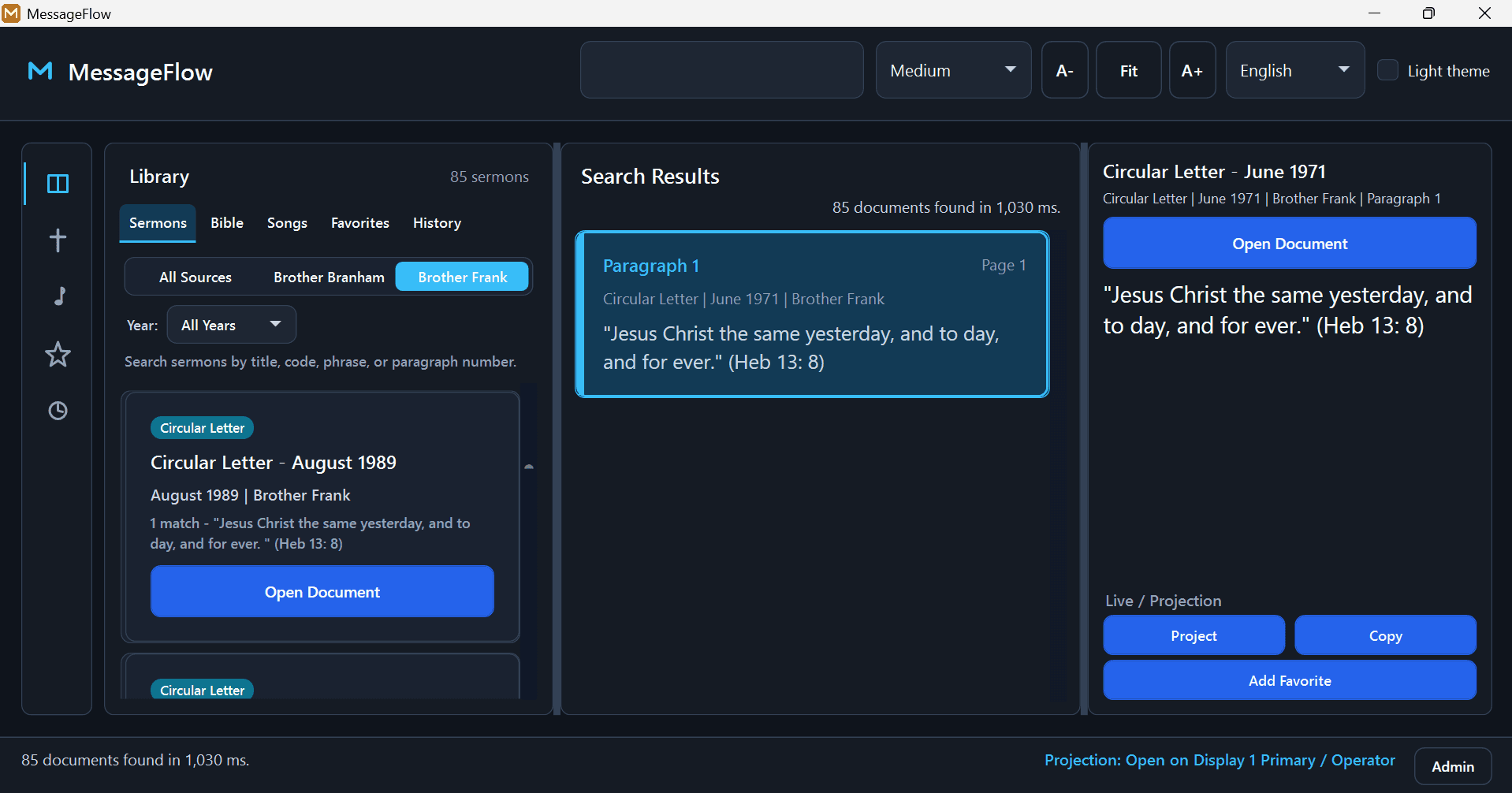
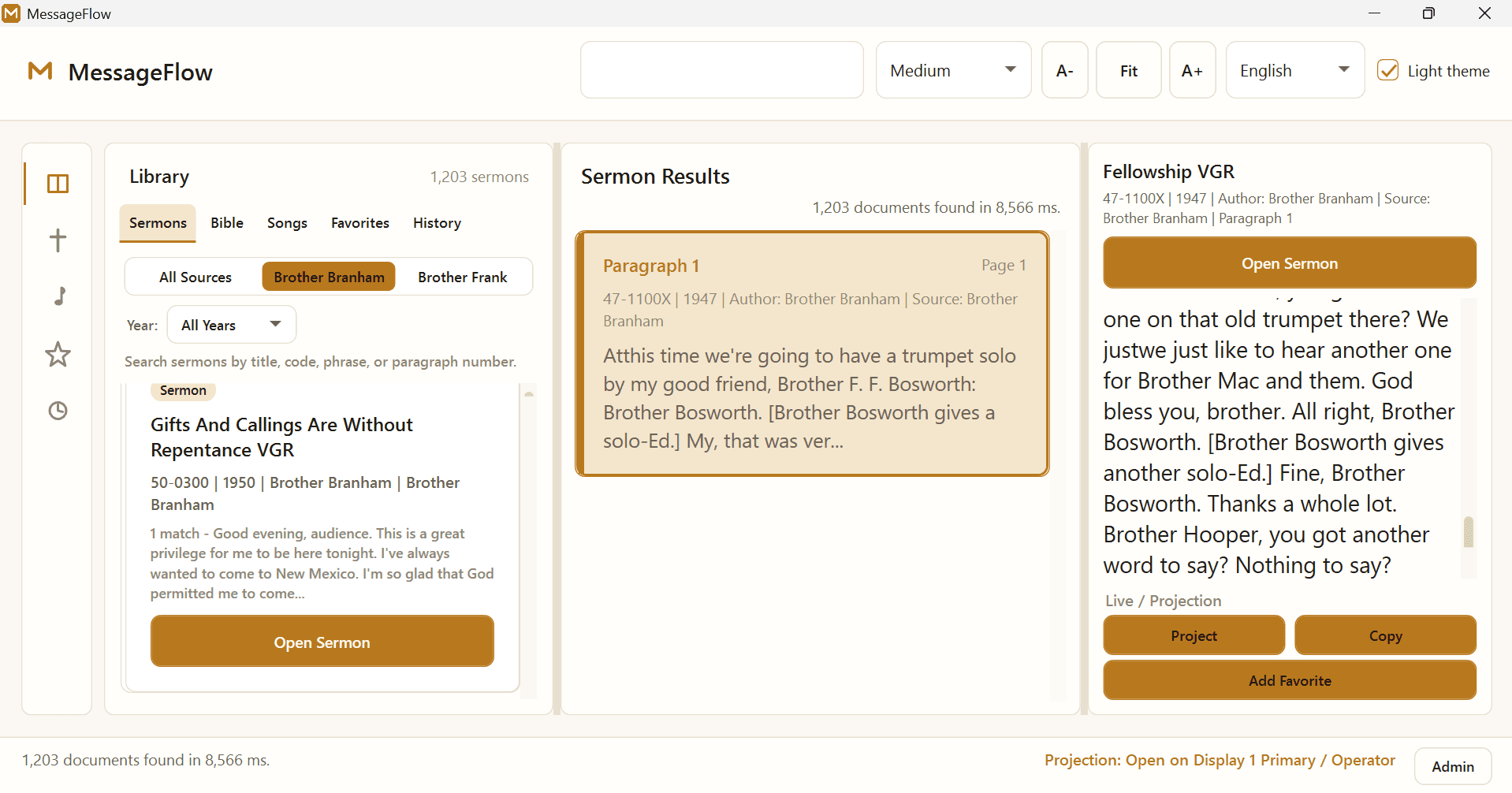
Search by title, sermon code, year, phrase, or paragraph number, then project a single paragraph.
English: 1,203 Brother Branham sermons and 85 Brother Frank publications. French: 384. Kiswahili: 622.
Version 1.0.5 · Free for churches · Windows 10 / 11
MessageFlow Media is free Windows software for church media teams. Search Brother Branham's sermons, Brother Frank's publications, the Bible, and songbooks, then project the paragraph or verse on the second screen. It works offline, in English, French, and Kiswahili.
The operator works on the computer. The congregation sees only the projection window. Pick the theme that suits the room.
Installed once, then available without internet.
Search by title, sermon code, year, phrase, or paragraph number, then project a single paragraph.
English: 1,203 Brother Branham sermons and 85 Brother Frank publications. French: 384. Kiswahili: 622.
Type a reference such as John 3:16, or a keyword. Move verse by verse with the arrow keys.
King James Version · Louis Segond 1910 · Biblia Takatifu (SWHULB)
Find a song by its title or a line of the lyrics, then project it verse by verse, with the chorus where it belongs.
357 English · 499 French · 281 Kiswahili
Four steps. No account, and no internet needed after installing.
Download MessageFlowMediaSetup.exe (~598 MB) for Windows 10 or 11, 64-bit.
Run the installer. If Windows says it protected your PC, choose More info, then Run anyway. Pick a drive with room for the library.
Plug in the projector or TV, press Win+P, and choose Extend.
Open MessageFlow Media, choose your language, find what you need, and press Ctrl+P.